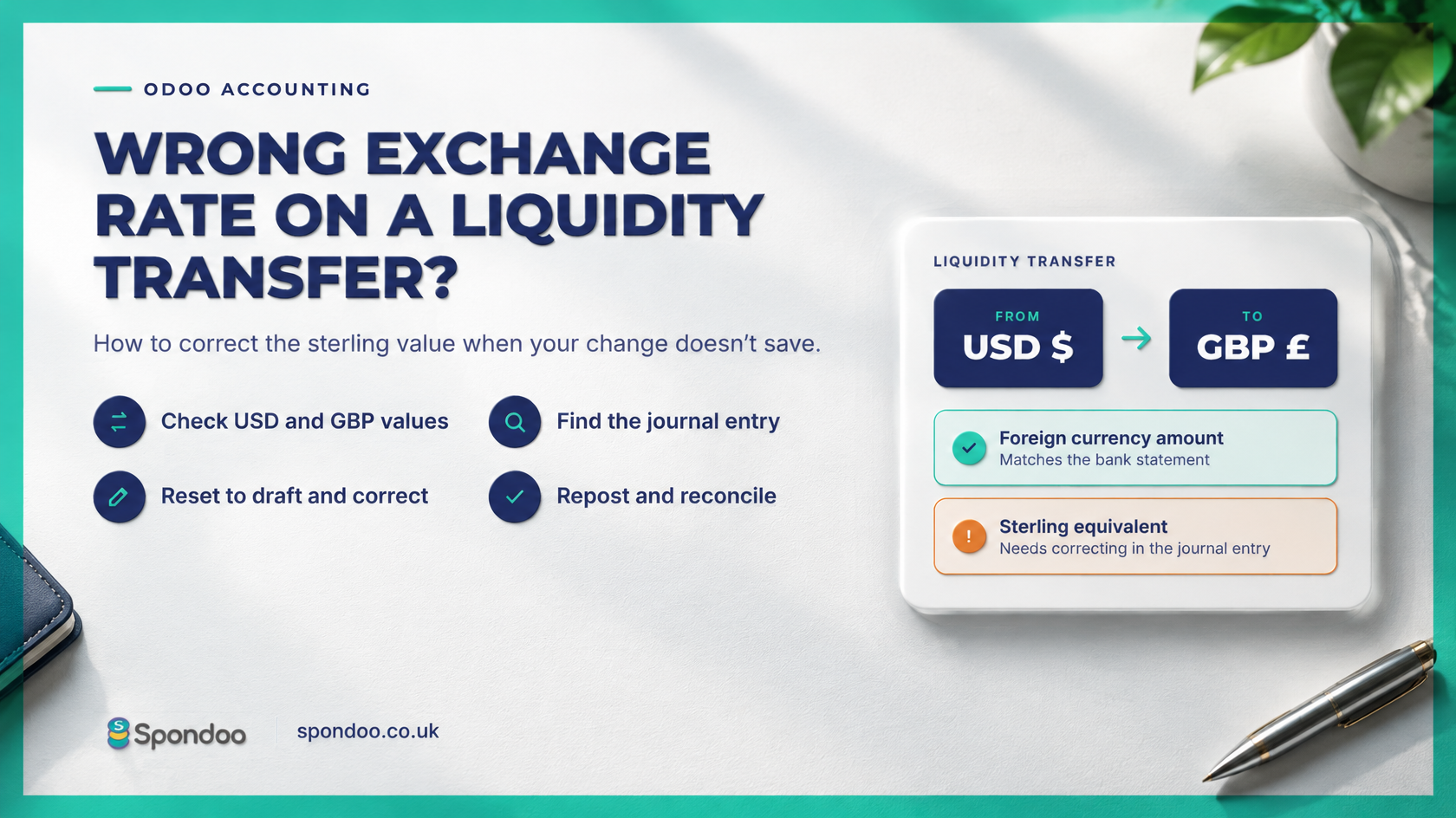
If you transfer money between bank accounts in different currencies, an incorrect exchange rate can leave the wrong sterling value in your accounts.
In Odoo, you may find that editing the liquidity transfer appears to save your correction, but the underlying accounting entry still shows the original amount. Here’s how to investigate and correct it.
Odoo records foreign currency bank transactions in both the bank account’s currency and your company’s base currency. For a UK business using GBP as its base currency, a US dollar transaction therefore has both a dollar amount and a sterling equivalent.
When checking a transfer, you need to review both figures. The foreign currency amount may be correct while its sterling equivalent needs correcting.
You may initially spot the problem by opening your Balance Sheet, clicking into the relevant account and reviewing its Account Transactions.
From there, you might open the liquidity transfer, amend the currency conversion and click Save. However, in the situation covered here, returning to the account transactions shows that the underlying accounting values have not changed.
If this happens, you need to review the journal entry behind the transfer.
Menu labels and available actions can vary depending on your Odoo version and access rights.
If Reset to Draft is unavailable, the entry may be restricted by your permissions, an accounting lock or its reconciliation status. Ask your accountant to review the restriction before proceeding.
An incorrect conversion can affect your bank balances, exchange gains and losses, and management accounts.
Spondoo Accountants helps UK businesses resolve Odoo accounting issues, including foreign currency transfers, bank reconciliation differences and incorrect journal entries.
If your liquidity transfer still shows the wrong sterling value after you save it, contact Spondoo through spondoo.co.uk. We can review the underlying entries, correct the accounting treatment and help keep your bank balances accurate.