For many UK businesses, Sage 50 Desktop has been the accounting system of choice for years. It has handled sales invoices, purchase invoices, VAT returns, bank reconciliations, nominal ledger reporting and basic product records for thousands of small and medium-sized businesses.
However, when a business starts looking at cloud systems such as Odoo or Zoho, one area often needs more attention than expected: inventory tracking.
At first glance, stock control sounds straightforward. You buy products, receive them into stock, sell them, dispatch them, and the system tells you what is left. In practice, inventory tracking can be far more complicated, especially where there are timing differences between goods received, supplier invoices, customer orders, dispatches and sales invoices.
This is where businesses moving from Sage 50 Desktop need to be careful.
In Sage 50 Desktop, stock can be managed through product records, stock adjustments, goods received and dispatch-related processes. This gives a business an operational view of what has happened to products.
However, the inventory process and the accounting process are not always as closely linked as they are in more modern cloud-based systems.
A business may update stock quantities through the inventory process, while the financial accounting entries are created separately through purchase invoices, sales invoices, journals or manual adjustments.
This can create a gap between what the warehouse or operations team sees and what the finance team sees in the accounts.
This is not necessarily a fault in Sage 50. It is simply a different system design. But it becomes important when moving to Odoo or Zoho because these systems often manage stock in a more structured and connected way.
One of the most important concepts to understand is the difference between physical stock and accounting stock.
In simple businesses, these two views may be very close. In more complex businesses, they can differ significantly, especially at month-end.
A good inventory system does not pretend these timing differences do not exist. It helps identify them, monitor them and reconcile them.
Odoo and Zoho are generally more modern workflow-driven systems. They are designed to track different stages of the stock lifecycle, rather than treating stock as a single flat number.
Depending on the system setup, a business may be able to distinguish between:
This distinction is valuable because real-life stock movement does not always happen at the same time as accounting paperwork.
A supplier may deliver goods today but send the invoice next week. A customer order may be picked today but dispatched tomorrow. Goods may be in transit. Items may be committed to customer orders but still physically sitting in the warehouse.
If the system cannot show these stages clearly, management may not know what is actually available, what has already been committed, or what needs to be ordered.
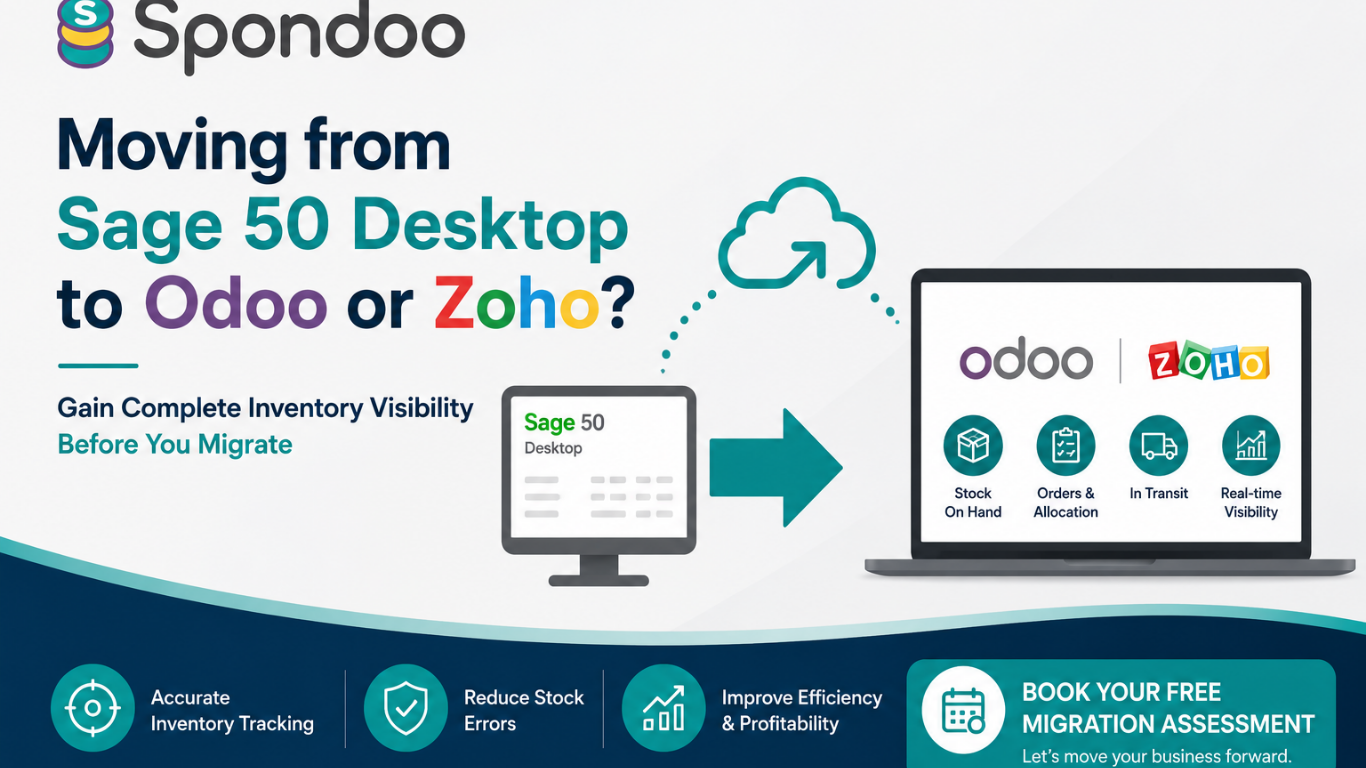
A move from Sage 50 Desktop to Odoo or Zoho should not be treated as a simple product list export and import.
Before migrating inventory, a business should review whether its stock records are reliable.
If these issues are not addressed before migration, the business may simply move poor-quality data into a new system.
A new cloud system will not automatically fix unreliable stock records. In some cases, a more advanced system will expose the problems more clearly.
One common mistake is assuming that stock on hand and stock available to sell are the same thing.
They are not.
A business may physically hold 100 units of a product, but 70 may already be allocated to customer orders. In that case, only 30 are truly available to sell.
Likewise, a business may have 500 units on order from a supplier, but those units are not physically available yet. Some may be in transit. Some may be delayed. Some may have been invoiced but not received.
Modern inventory systems can help separate these categories. That gives a much clearer picture of what the business can actually sell, what it needs to reorder, and what commitments it has already made.
This is particularly important for businesses with:
Inventory tracking is not just an accounting issue. It is also an operational control issue.
Poor stock tracking can lead to:
When stock tracking is accurate, management can make better decisions.
They can see which products are moving, which products are slow, what needs to be ordered, what has already been committed, and where stock is physically located.
Before moving from Sage 50 Desktop to Odoo or Zoho, we recommend carrying out an inventory readiness review.
Remove duplicate, obsolete and unused product records where appropriate.
Check that the stock quantities in Sage agree to actual physical stock.
Negative quantities often indicate timing or process issues that need to be fixed before migration.
Decide whether the new system needs single-location or multi-location stock tracking.
Understand which goods are due in and which goods are already committed to customers.
Identify goods that have been ordered, shipped or invoiced but not yet physically received.
Map out how purchase orders, receipts, bills, sales orders, picking, dispatch and invoicing should work in the new system.
Run sample transactions before launch to confirm that stock movements behave as expected.
When configured properly, Odoo or Zoho can give a business a much clearer inventory position than a traditional desktop accounting system.
The business can see not just what has been bought and sold, but where stock is in the operational process.
This can improve purchasing decisions, customer service, fulfilment, cash flow planning and management reporting.
However, the key is configuration. A more advanced system needs a more thoughtful setup.
Moving from Sage 50 Desktop to Odoo or Zoho is a good opportunity to rethink how inventory is managed.
Rather than simply copying across product codes and opening stock quantities, businesses should review how stock is received, stored, allocated, dispatched, invoiced and reconciled.
The goal is not just to move to the cloud. The goal is to create a system that gives management a reliable view of stock at every stage.
At Spondoo, we help businesses review their Sage 50 inventory data, clean up product records, design stock workflows, and migrate to cloud systems such as Odoo and Zoho with better controls in place.
If you are planning to move from Sage 50 Desktop, inventory tracking should be reviewed before the migration, not after it.